Stop your spamming, Frank !
The IRS doesn’t generally send e-mails to taxpayers, but I got spammed by the IRS ‘for information purposes’ four days before the November 3rd election.
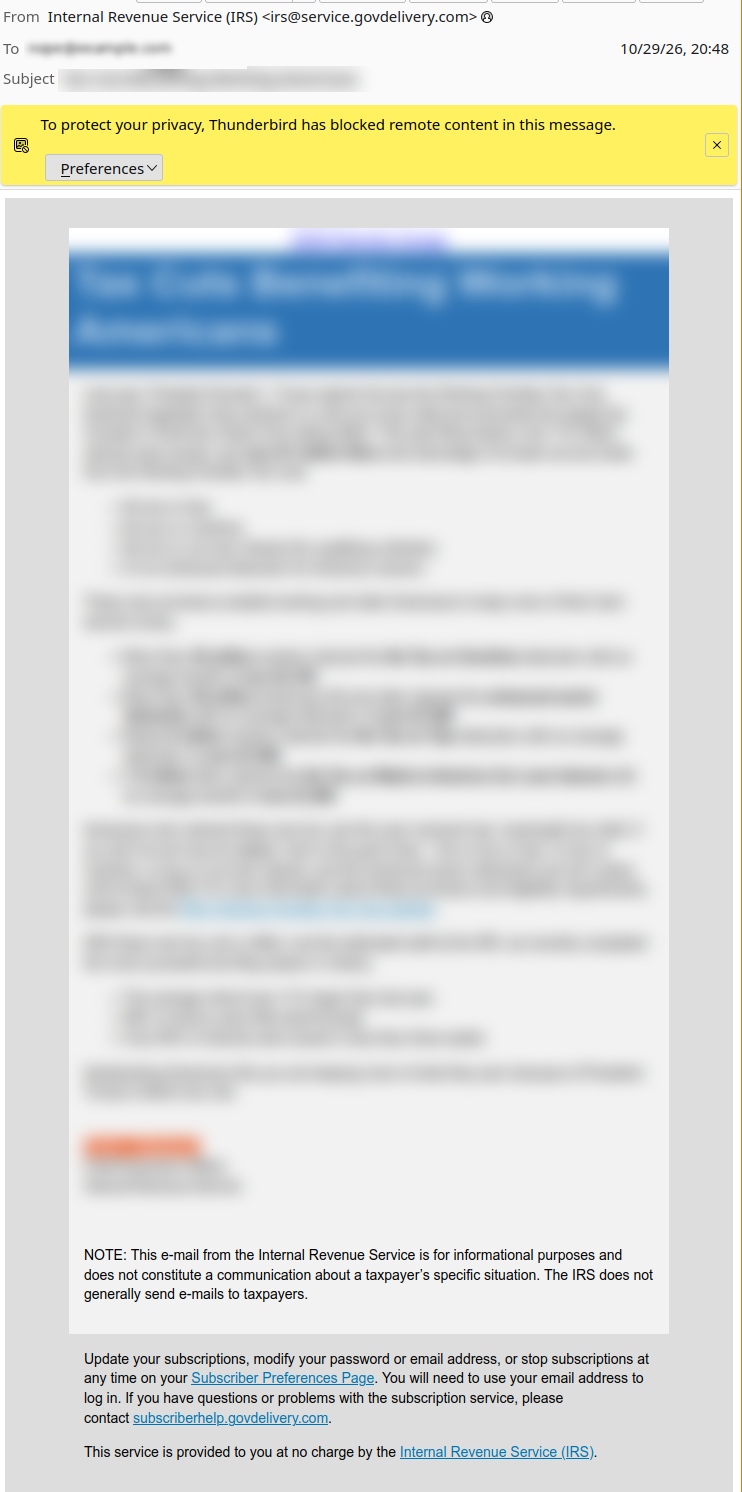
I blurred out the content, since I don’t want to spread the spamming spammer’s spam, but it’s the same sort of email I recently got from the Social Security Administration back in July. That shouldn’t have surprised me since Frank Bisignano is currently leading both organizations. Stop your spamming, Frank !
I care more about getting unsolicited email than its unsubstantiated content, so I tried unsubscribing from whatever list I had ended up on. The Subscriber Preferences Page link and I’m taken to this page:
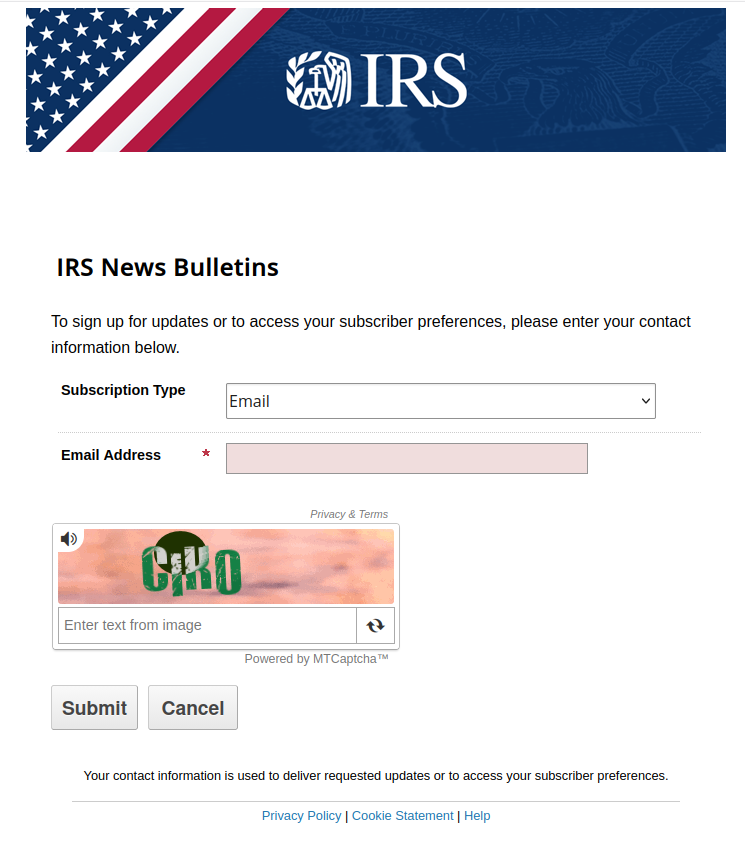
I enter my email address, and it takes me to this page without asking for a password.
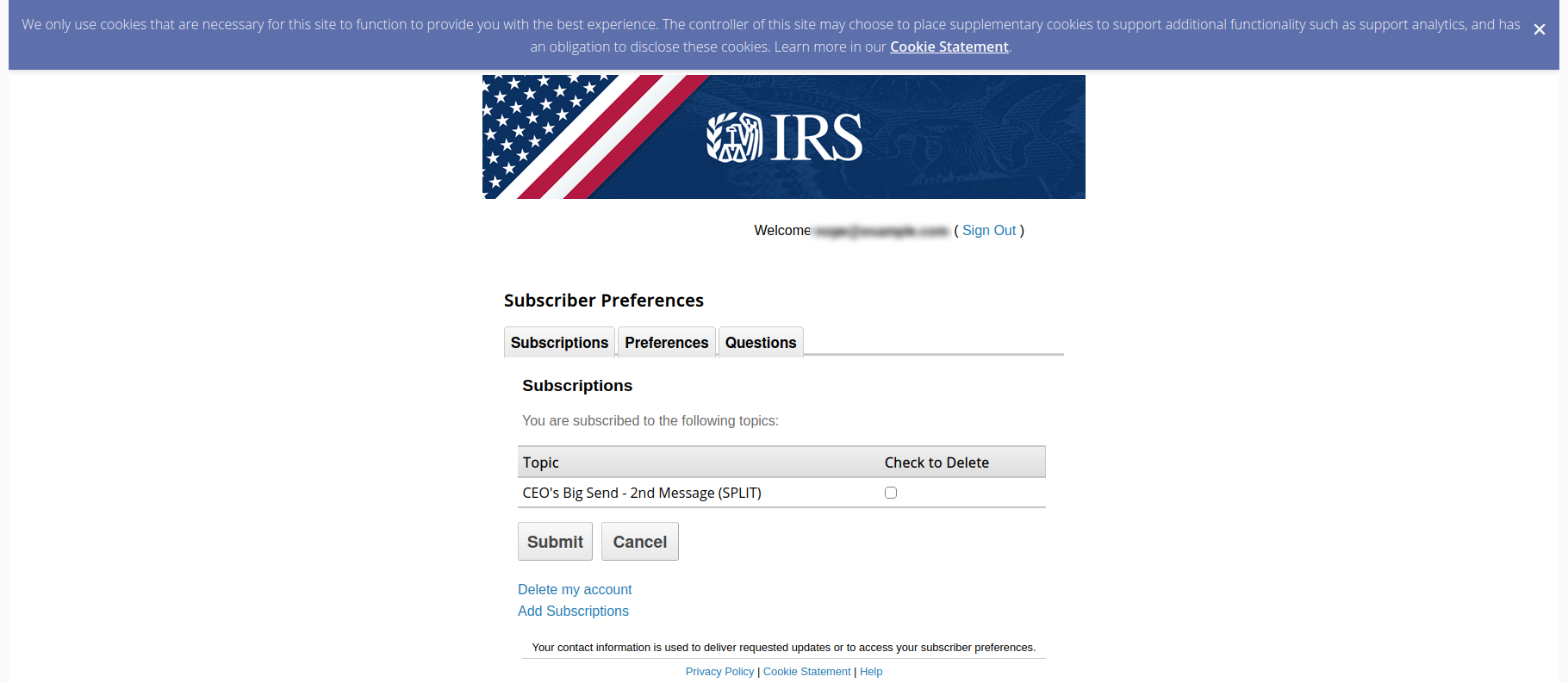
I never signed up for the ‘CEO's Big Send - 2nd Message (SPLIT)’, or any IRS subscription, and the email address it used was one I use with my income tax vendor, not one I would use for IRS mailing lists.
I deleted the subscription, and then went to the Preferences tab and set a password for the account. I suggest you do the same.
After I added a password to the account, I tried logging in again. It did prompt for the password this time, and it took me to https://public.govdelivery.com/accounts/USIRS/subscriber/topics. I wasn’t surprised there was no ‘CEO's Big Send - 2nd Message (SPLIT)’ topic available.
Allowing account access without a password puts accounts at risk of being username squatted. Currently it looks like the risk is minimal. If someone guesses your email address, they could log onto your subscriber preference page, set a password on the account and sign you up for unwanted emails. This annoying, since you can click the ‘Forgot your password ?’ link and you’ll get a reset password email, and then you can unsubscribe from any unwanted lists.
The Preferences tab also gives you the option of changing the email used. I tried this, and it sent an email to the new address about the change, but no message went out to the original address. If someone guessed your email address and changed the email you’d stop seeing messages you actually cared about. Again, this is an annoyance. If you try logging in with your original email you’re taken to a new account page and you can recreate your account and resubscribe to your sweet, sweet IRS content. This is a slightly worse than the changing subscriptions since you’re not given any heads up about the email reset, and instead silently stop receiving your requested content.
Someone who guesses your email could also delete your account, but I suspect you could also recreate your account like with the changed email. I didn’t try this, so I don’t know if a notification email goes out after you delete your account.
I visited the Help page since I had questions, but most of the link off that page lead to a 404 error.
Halloween Update
The Social Security Administration sent me a similar spam message the next day, also via govdelivery.com. The interesting bit about this message is it used the email associated with my https://login.gov account, and when I tried to unsubscribe, govdelivery.com didn’t have an account for that email. The link took me to a new account setup page instead. The https://secure.ssa.gov doesn’t include any way to manage mailing lists subscriptions.